Best games for a group night?Group game nights are always a blast. Here are some popular game suggestions:
1. **Cooperative Games**: Overcooked 2, Keep Talking and Nobody Explodes, and Portal 2 are great for teamwork and communication.
2. **Party Games**: Jackbox Party Pack, Mario Party, and Super Smash Bros. Ultimate are perfect for large groups and casual fun.
3. **Multiplayer Games**: Among Us, Rocket League, and Jackbox Party Pack are great for competitive and social gameplay.
4. **Board Game Adaptations**: Tabletop games like Ticket to Ride, Settlers of Catan, and Carcassonne have digital versions that are perfect for group play.
Remember to choose games that fit your group's interests and skill levels. You can also consider games with online multiplayer features for a more accessible experience.
What's the size of your group, and what type of games are you interested in playing?
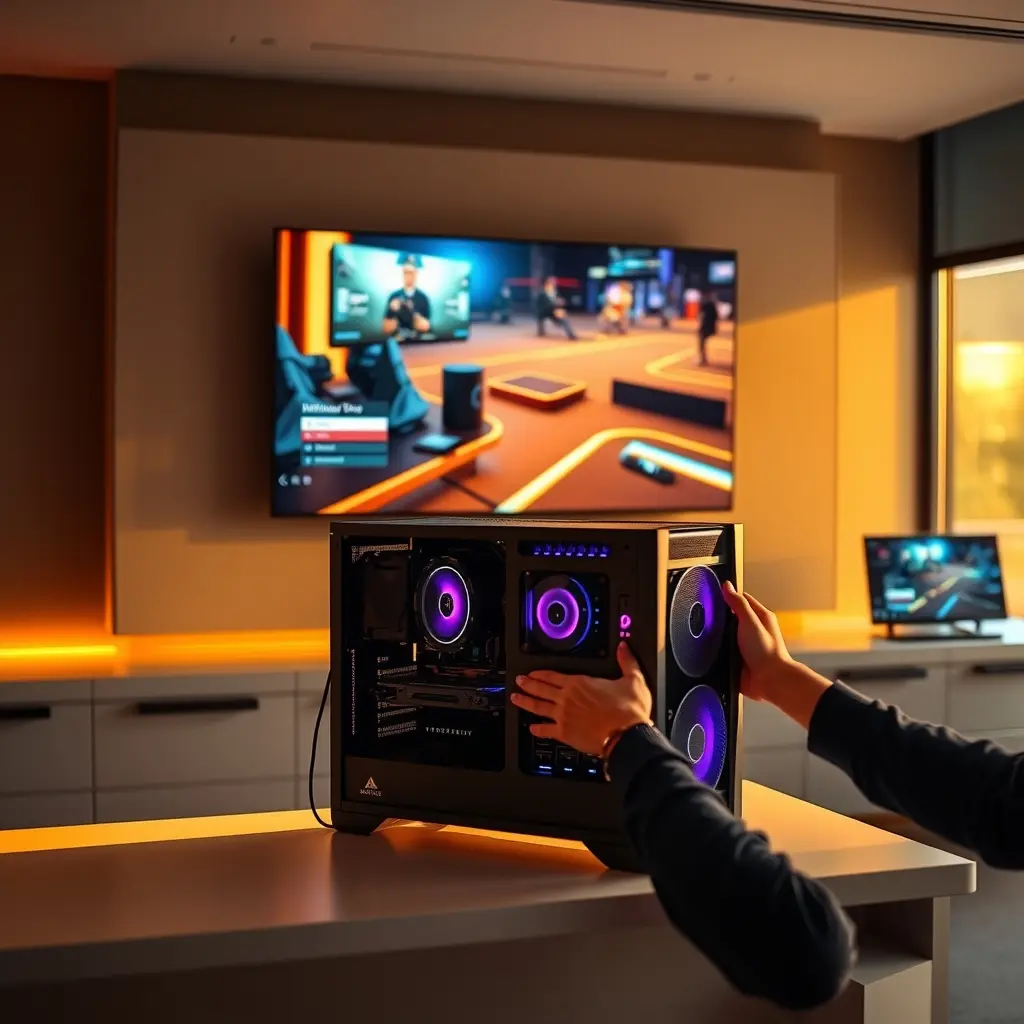
How do I set up a streaming rig on a budget?Setting up a streaming rig on a budget requires some research and planning. Here are some key components to consider:
1. **Capture Card**: You'll need a capture card to capture gameplay footage from your console or PC. Popular options include the Elgato HD60 (around $130) and the AVerMedia Extremecap U3 (around $150).
2. **Webcam**: A good webcam is essential for interacting with your audience. Look for a 1080p or higher resolution webcam like the Logitech C920 (around $70).
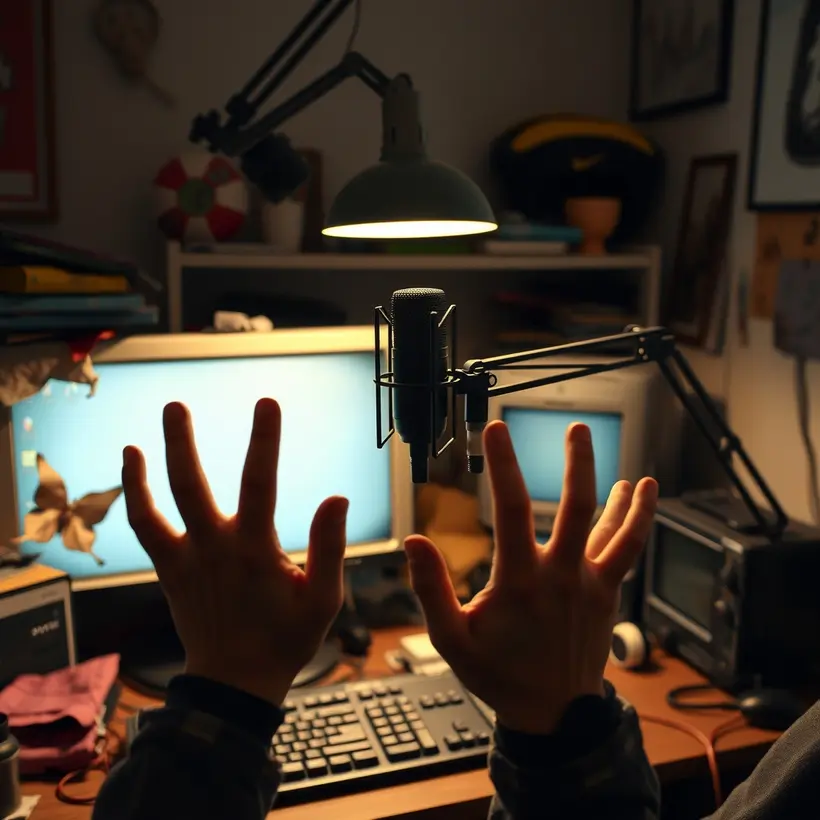
3. **Microphone**: Invest in a decent microphone to ensure your audio is clear and crisp. The Blue Yeti (around $130) is a popular choice.
4. **Lighting**: Proper lighting is crucial for a visually appealing stream. Natural light or a basic LED light panel can work well.
5. **Computer**: You'll need a computer to run your streaming software. Consider a budget-friendly option like a refurbished PC or a gaming laptop.
To set up your streaming rig, follow these steps:
1. Connect your capture card to your console or PC.
2. Install streaming software like OBS Studio or XSplit.
3. Configure your webcam and microphone settings.
4. Set up your lighting and test your stream.
If you need help with setting up your streaming rig or require more specific advice, consider filling out the "Request a specialist" form on this page.
Next step: What type of content do you plan to stream (e.g., gaming, art, music, etc.)?
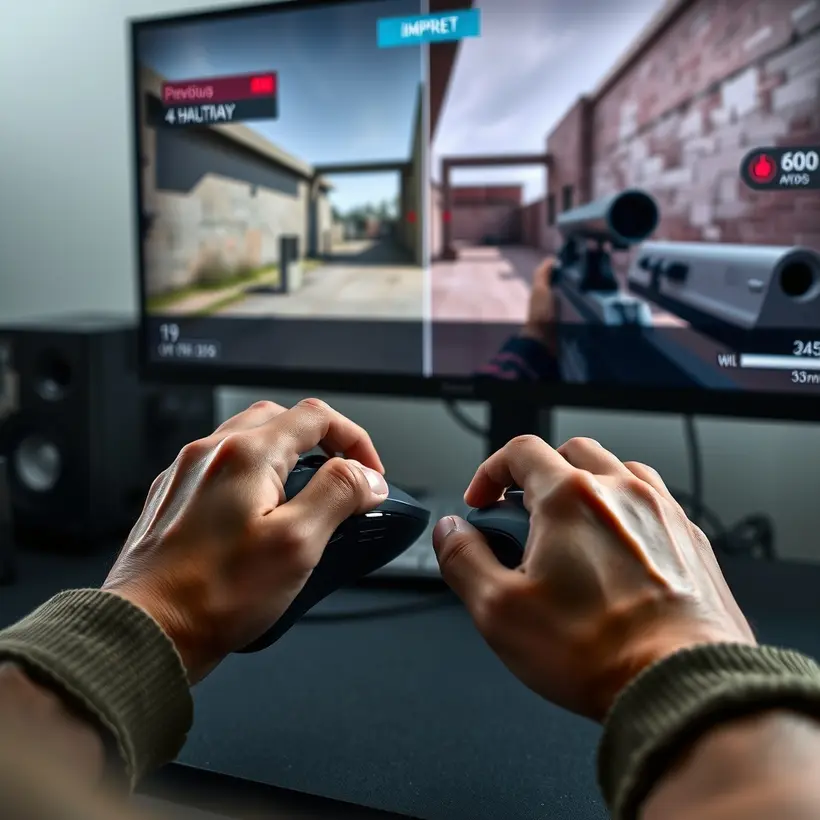
How do I improve my aim?Improving your aim in games requires practice and patience. Here are some tips to help you get started:
1. **Practice regularly**: Set aside time each day to practice aiming in your favorite game.
2. **Use the right hardware**: Invest in a good gaming mouse and keyboard that suit your playstyle.
3. **Adjust your sensitivity**: Experiment with different sensitivity settings to find what works best for you.
4. **Focus on your crosshair**: Keep your crosshair centered on your target and use muscle memory to aim.
5. **Watch pro players**: Observe how professional players move and aim in games.
If you need personalized guidance or want to work with a gaming coach, I recommend **Requesting a specialist** through our website. They can provide you with tailored advice and help you improve your aim.
Next step: What type of game are you trying to improve your aim in (e.g. FPS, MOBA, etc.)?